Fill a shape with words
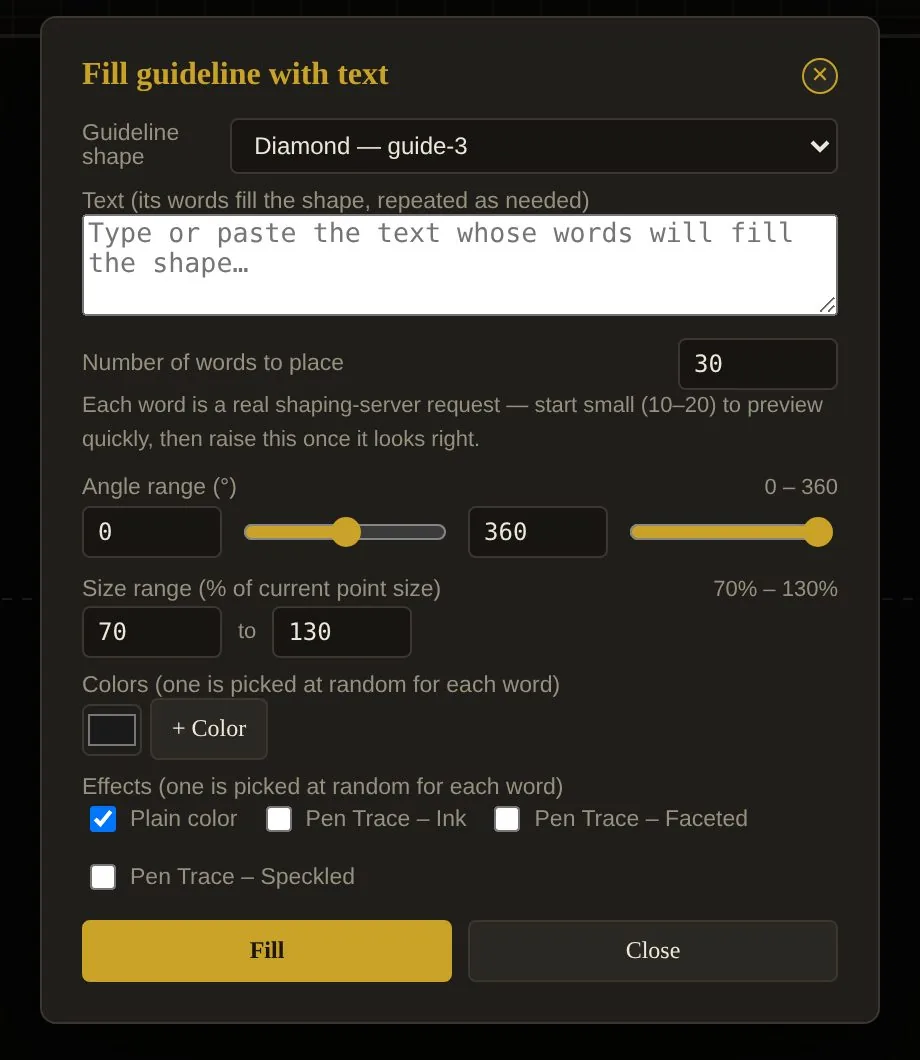
Draw a rectangle, circle, diamond or Bézier guide, paste your text, and Kelk scatters the words inside — with angle and size ranges, random colours and Pen Trace effects.
Kelk shapes every word with a real calligraphic font, then lets you place, stretch, join, colour and export it as artwork — true vector, ready for print.

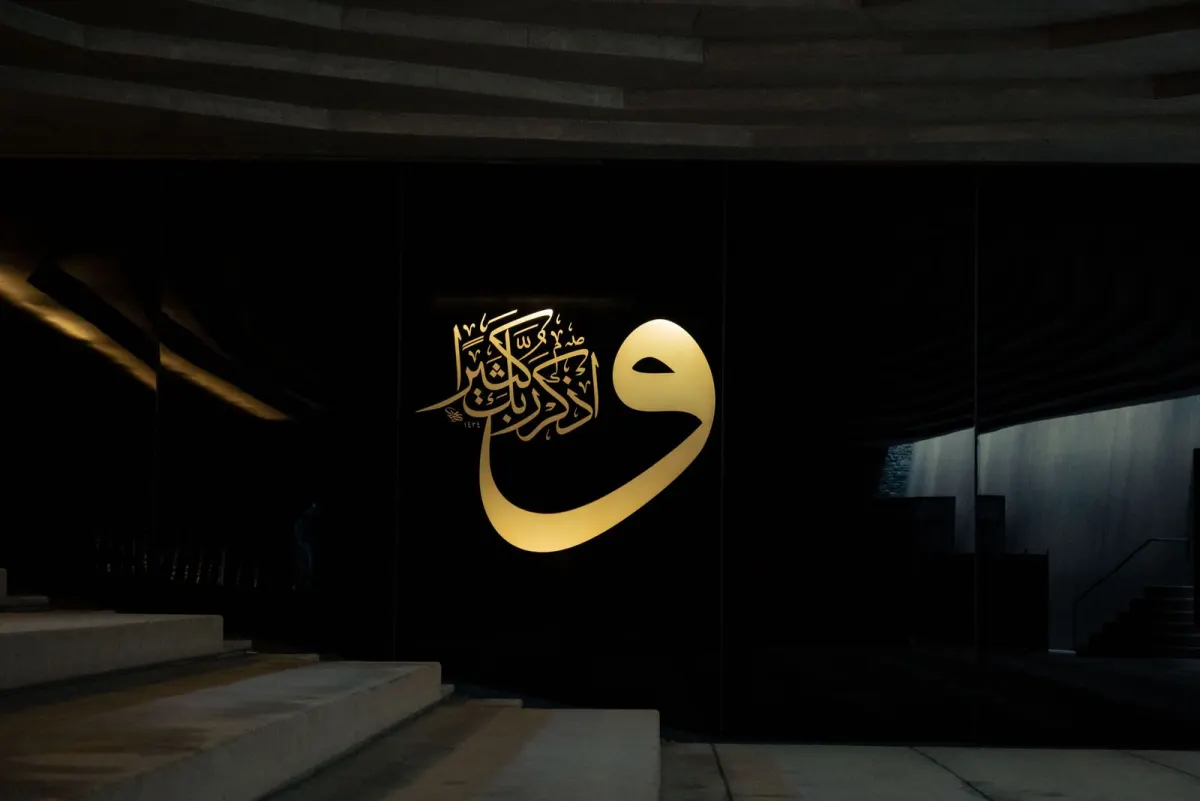
Type a word. Kelk shapes it with a true calligraphic font, then lets you place, stretch, join, colour and export every word as finished artwork — Nastaliq, Naskh, Thuluth and beyond.
A dark page with millimetre rulers and a dashed baseline. Tools to the left, settings to the right, seven toolbar groups below — and a status bar that always tells you what is selected.
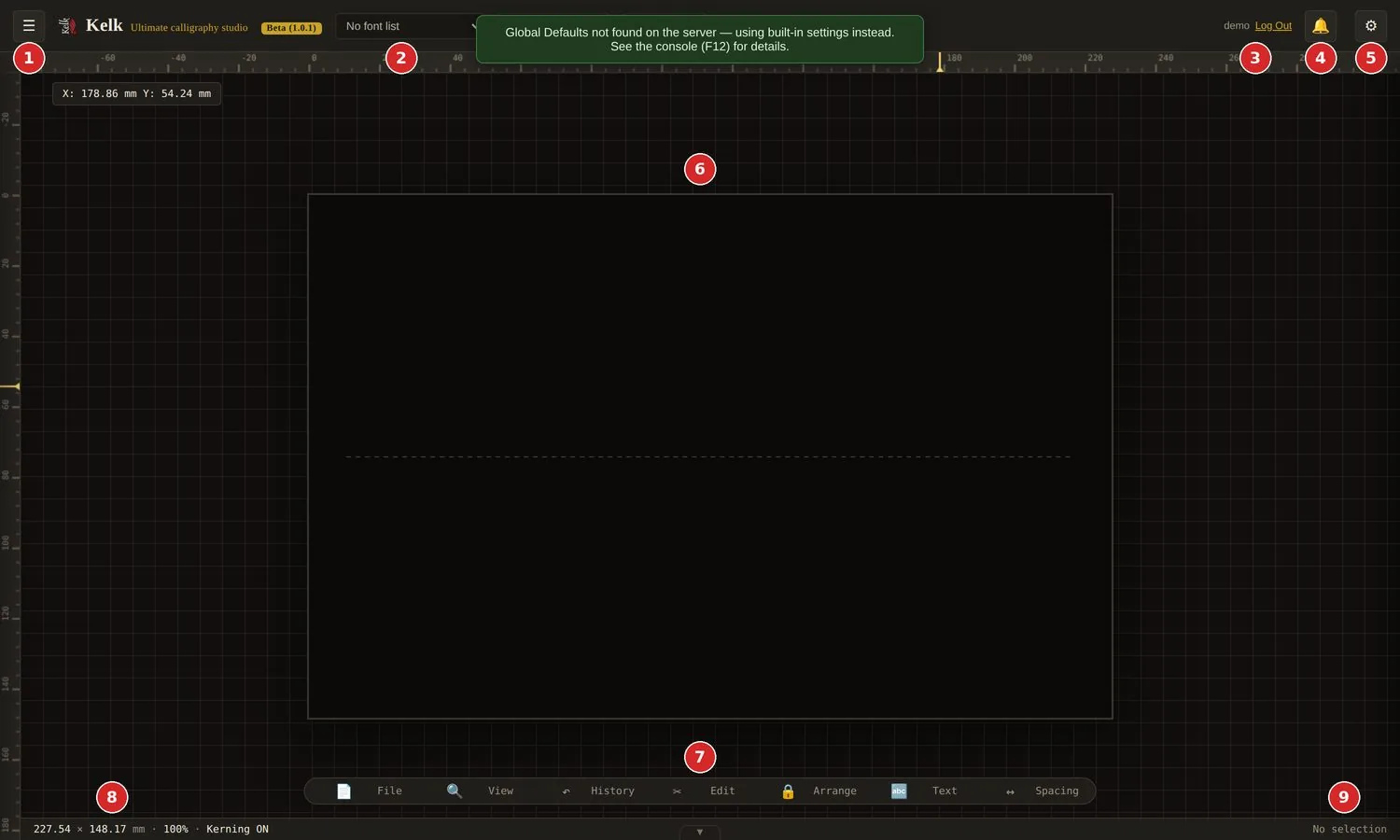
Real screenshot · the workspace, with numbered callouts from the user guide
Project, Cloud, Glyph, Transform, Fill & Stroke, Effects, Insert Image.
Applies to what you type next — and to whatever is selected.
Unsaved work? Kelk asks before you leave. Next login is a clean slate.
Shared projects, messages and gallery news — each with its own chime.
Page Setup, Canvas Style, Guides, Preferences, Hotkeys, Export, About.
Your artwork area. The dashed line is the baseline text sits on.
File, View, History, Edit, Arrange, Text, Spacing.
Page size in mm, zoom level and whether kerning is on.
Tells you exactly what is selected.
The way calligraphers actually work: write, place, refine, finish. Six movements, no detours.
Pick a font, its style and point size in the top bar. They apply to what you type next, and to anything selected.
Font · Style · SizeClick the dashed line your text will sit on. New words attach to the selected baseline.
Click the baselineOpen Edit Text, write right-to-left and press Apply. Kelk’s shaping server returns the correct letter forms and places each word.
Text → Edit Text → ApplyKashida, joiner, alternate shapes, diacritics, spacing and size — adjust word by word, with Undo always one key away.
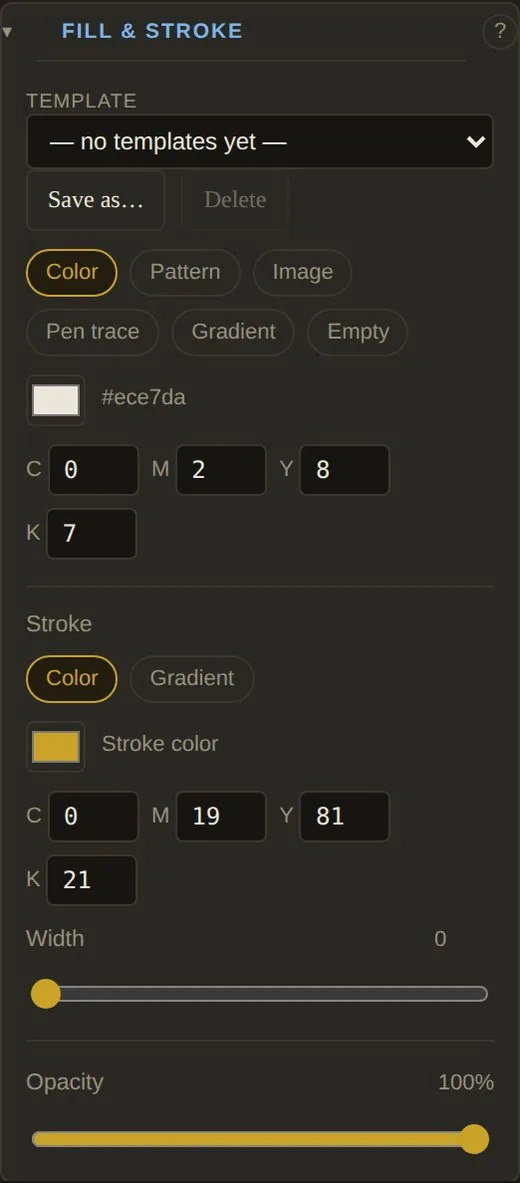
Ctrl + ZFill & Stroke, pen-trace ink, gradients and layered effects. Save a look as a template and reuse it anywhere.
Fill · Stroke · EffectsKeep the project in a file or in Cloud Projects, share it, or export PNG, SVG, PDF or AI.
⚙ → ExportType your own words, pick a pen, stretch them with kashida, then fill and finish them. In Kelk, the More Kashida tool adds a tatweel with each click — and beeps when a word can stretch no further.
Browser preview with web fonts. In Kelk, words are shaped by its server with your own calligraphic fonts.
Words stay words. Retype a line, rebuild an item after a font fix, swap alternate shapes, join two words into one — nothing else on the page moves.
Draw a rectangle, circle, diamond or Bézier guide, paste your text, and Kelk scatters the words inside — with angle and size ranges, random colours and Pen Trace effects.
Pen trace gives each glyph its own natural ink density. Save any look as a template.
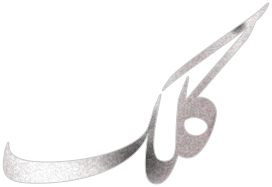
Stretch the connection of any word. Kelk beeps when a word cannot stretch further — the line stays true to the font.
In Kelk, a left-click joins a word with the next one, shaped as one; a right-click splits it again.
Every attached word turns with it. Drag the orange cross to pick the pivot.
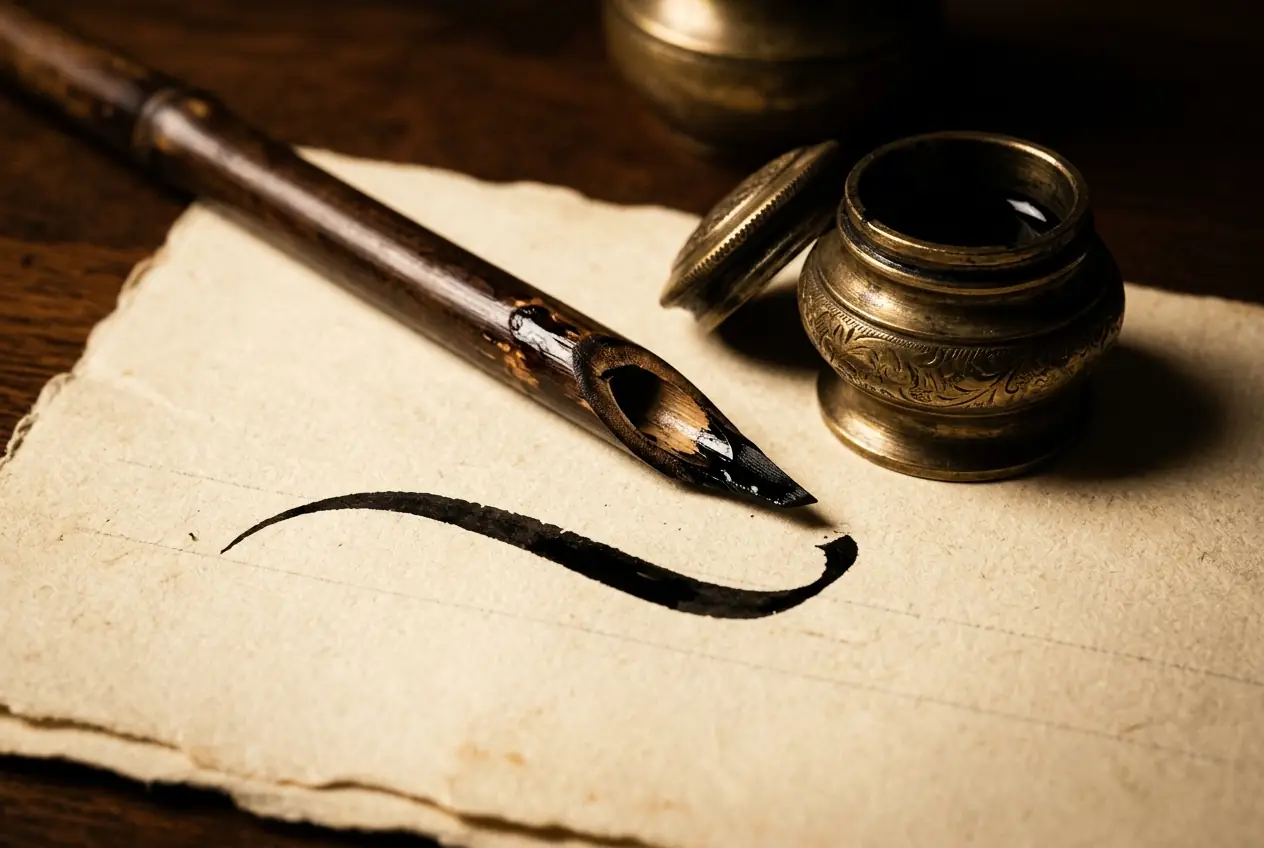
The reed is called kelk. Now it lives in your browser.FAST · PRECISE · RIGHT-TO-LEFT BY NATURE
Click a group to open its tools. Hover any tool for its name — or pick the ❓ Help tool and click anything to learn what it does, without changing a thing.

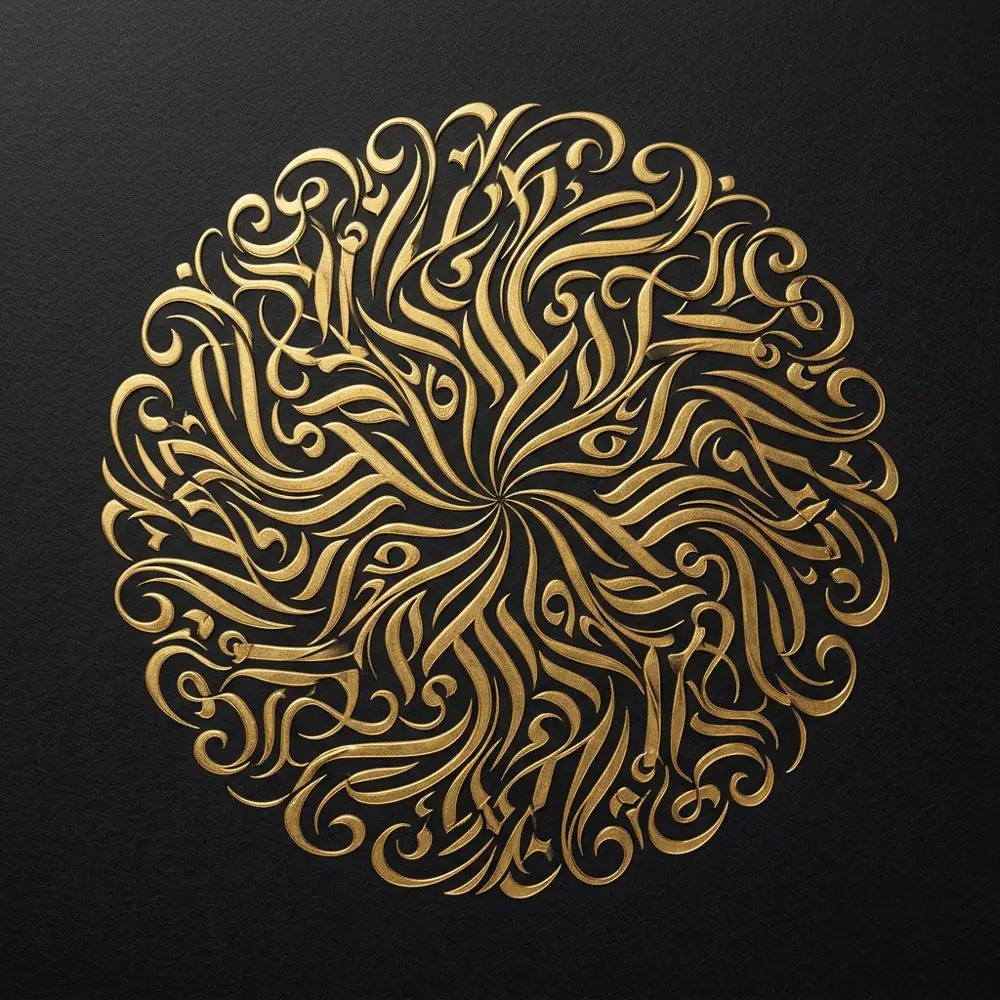
Glyphs, groups, images, PDF pages and the page border are included. Guides, baselines and lock icons never are. Multi-page projects export every page in one go.
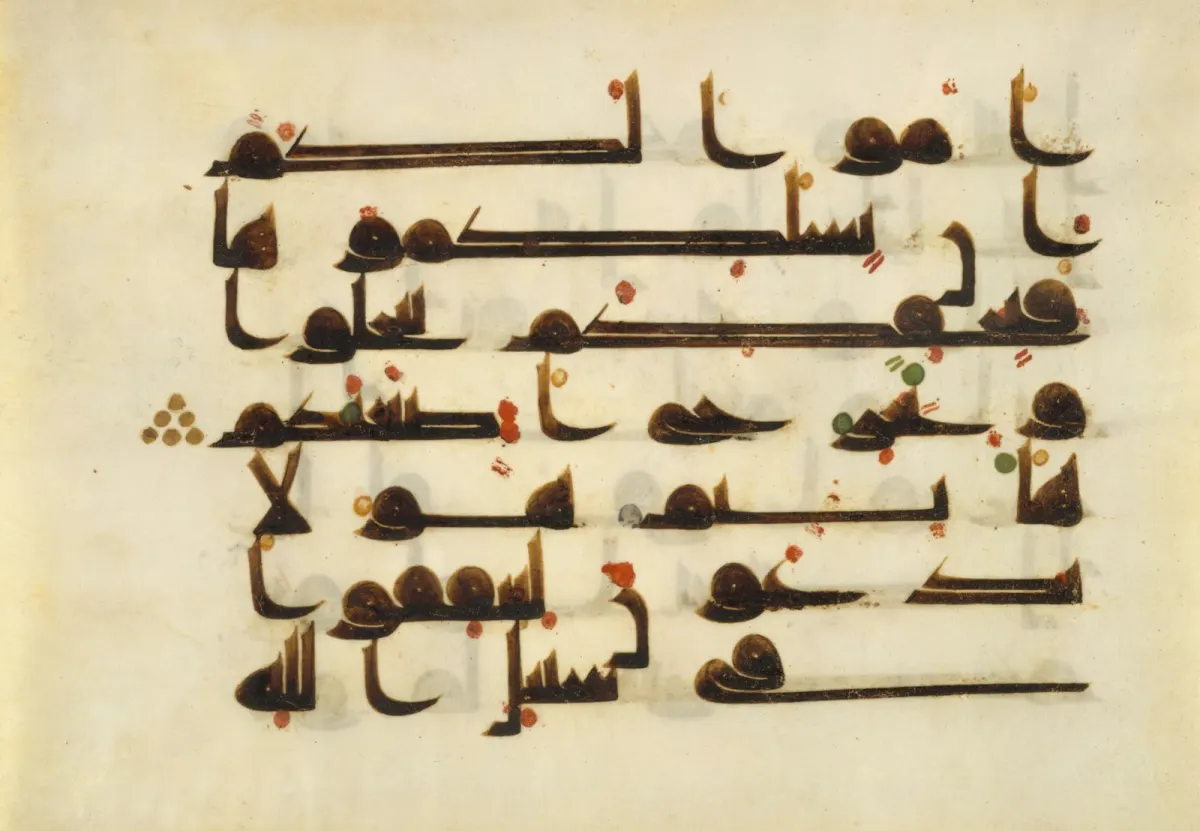
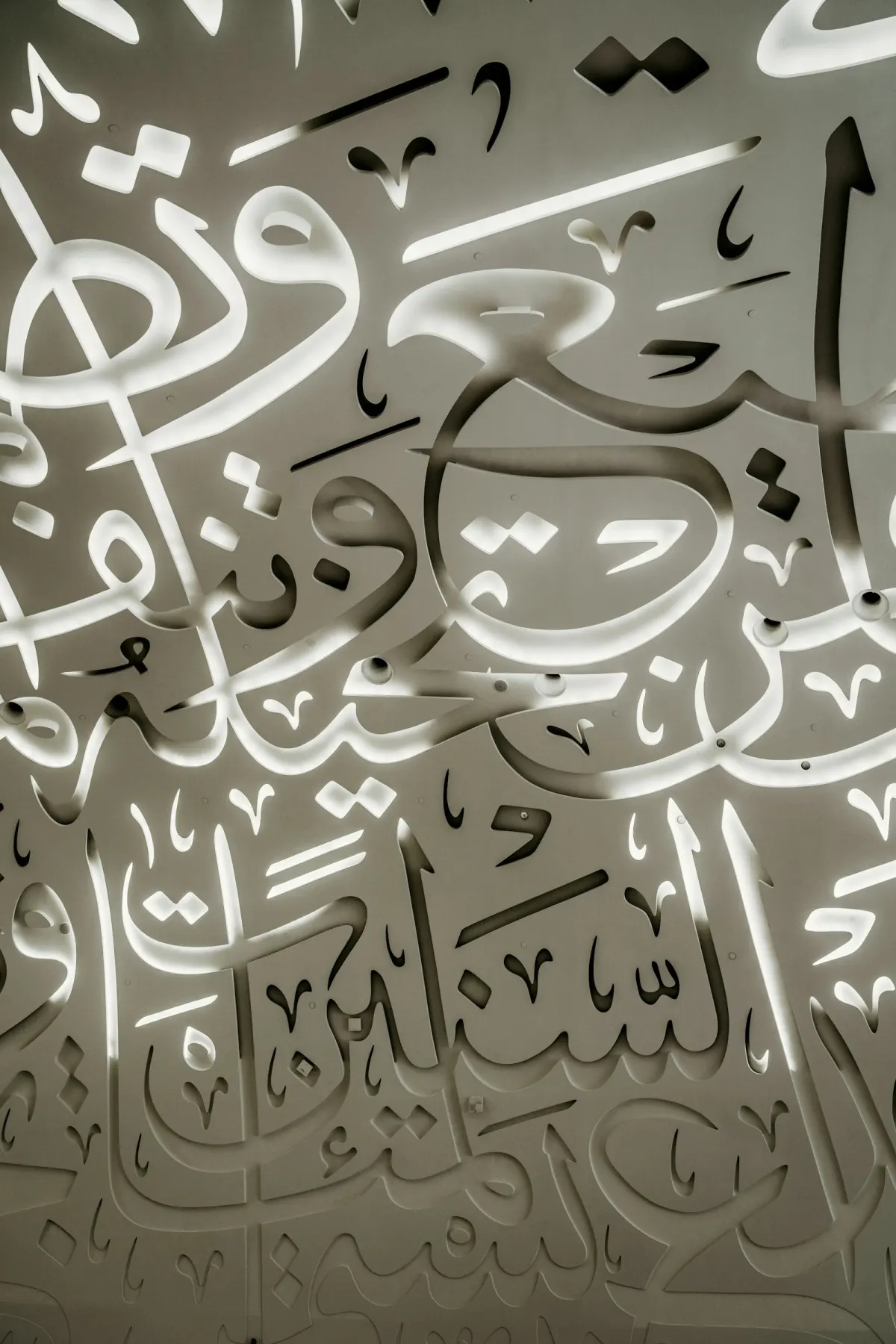
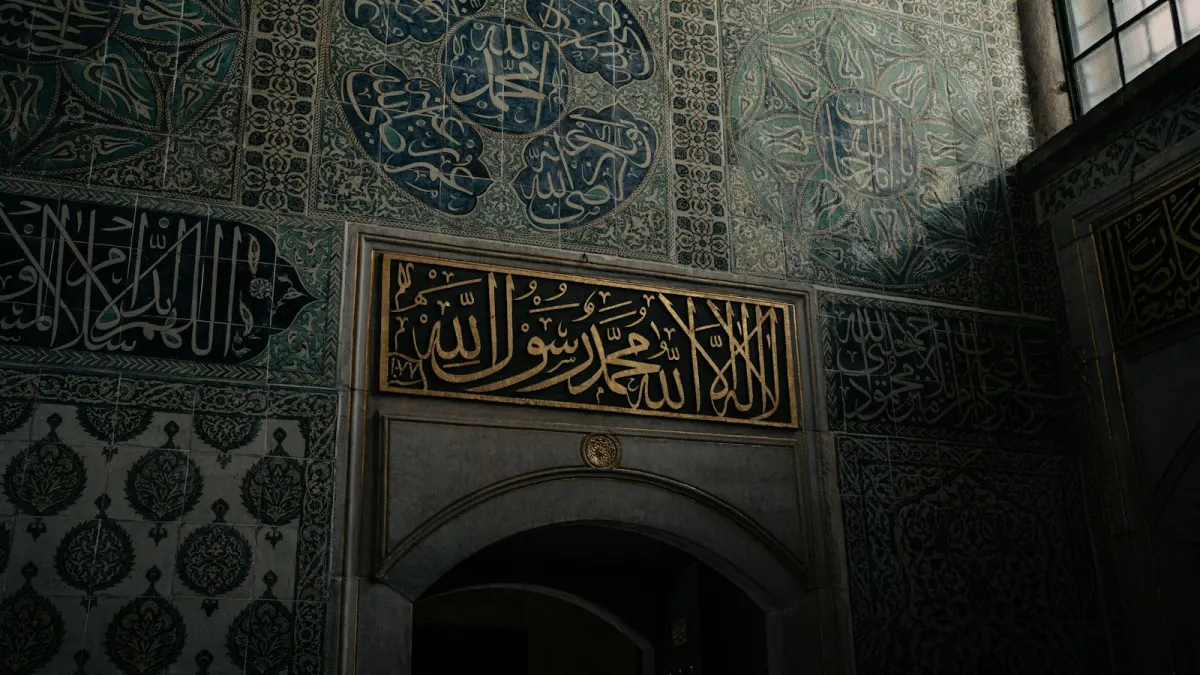
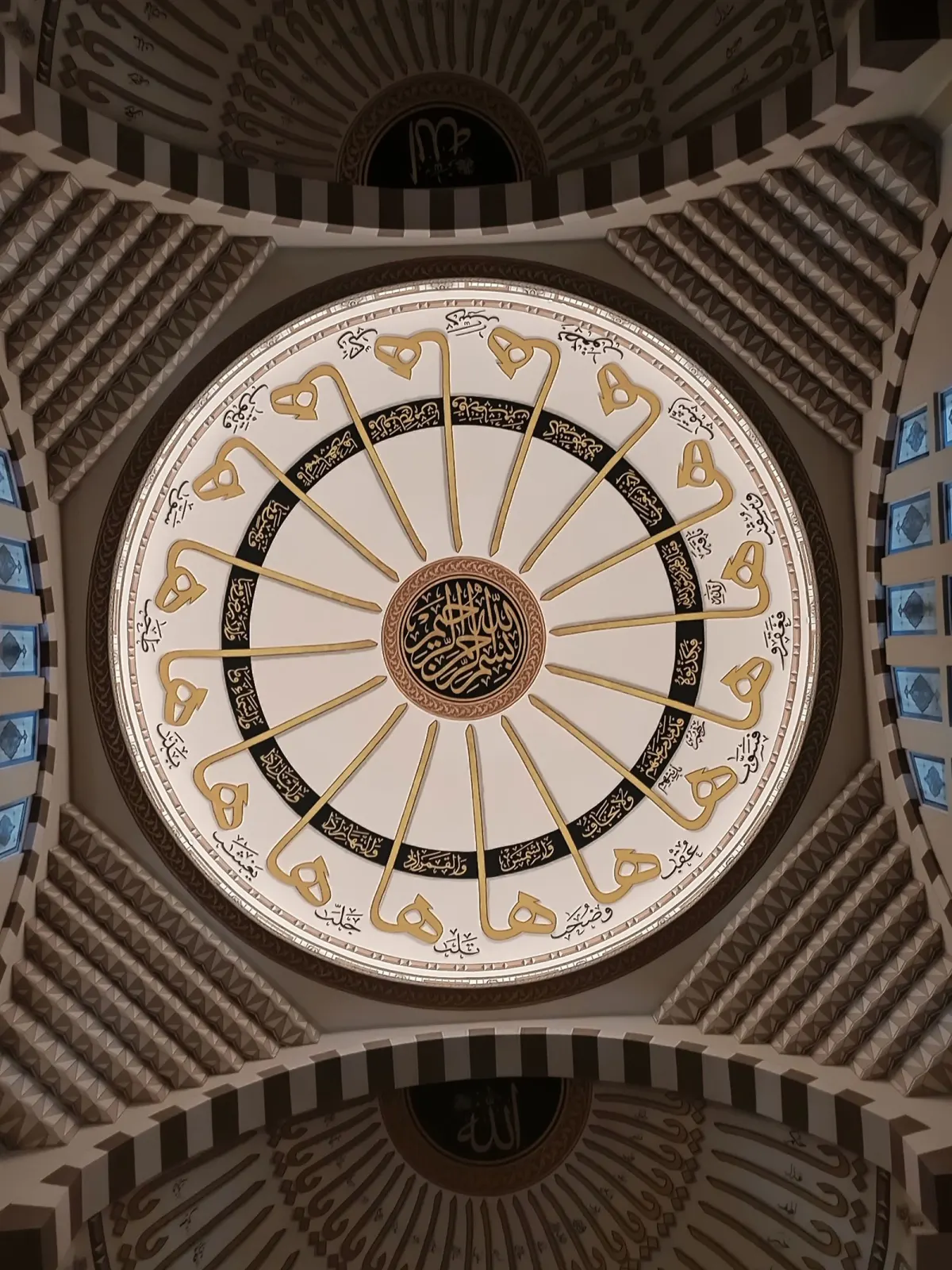
The tradition Kelk is built for, beside type studies rendered live on this page. Inside the app, the shared Gallery lets artists publish and browse finished work by artist and subject.
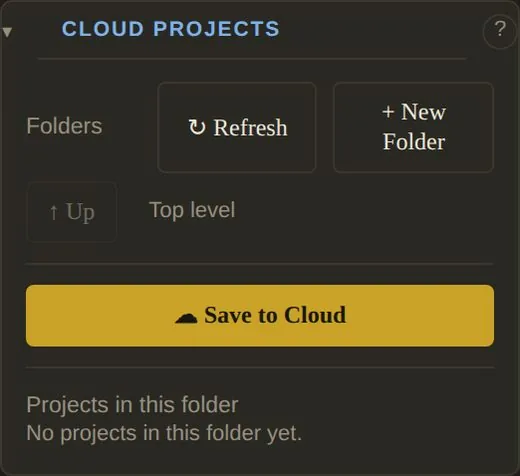
Save to a file that opens on any computer, or keep projects in folders in your account — then share, message and publish.
Folders, Save to Cloud, and no more silent overwrites — Kelk asks before replacing a project with the same name.
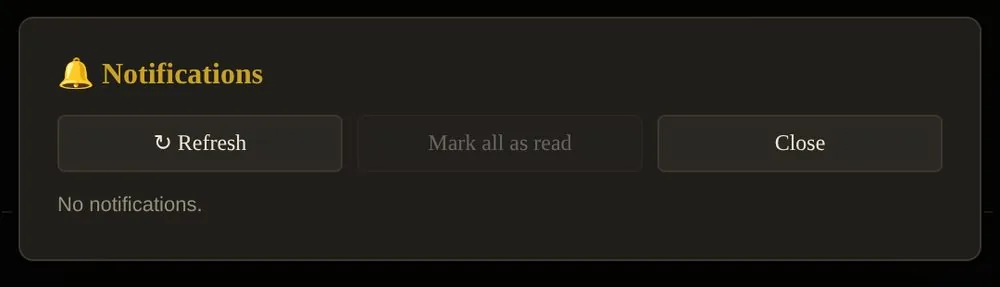
Share a project with a person; they get a 🔔 and find it under Shared with me. Write to any user and get a reply.
Browse artists by subject. Share your piece as look-only or open-a-copy, and grant access to named people later.
Touch controls switch on as soon as a touch screen is used. A floating action bar replaces the keyboard and the right mouse button.
Every tool can have its own hotkey — open Hotkeys in the right panel, press a combination, done.
Straight from the user guide.
Check that a font is chosen in the top bar and that you are logged in. Text is shaped by a server, so it needs a working connection — wait for the busy pointer to finish.
This is intended. Another font may not have the same stretching, so Kelk removes kashida when the font changes. Add it again with the Kashida tool.
Those browsers cannot write back to a file, so each Save downloads a new copy. Use Chrome or Edge for direct saving, or use Cloud Projects.
If the shaping server cannot build the new form, Kelk keeps your original word and shows a message. Try again, or change the text slightly with Edit Text.
This is intended. Guides, baselines and lock icons are never exported.
They are stored per account in your browser and in your Preferences. Log in with the same account, or click Load from Account in Preferences.
Open Preferences and set Touch controls (this device) to On.
Kelk asks before Log Out, New, Clear Canvas and Open. Try Undo first (Ctrl + Z) — and save often with Save or Save to Cloud.
Licensing for your school or studio, a question about fonts, or a piece for the gallery — send a note and the Kelk team will reply.
Or write to kelkadmin@sinasoft.us
Sign in, type, apply. Your first line of calligraphy is a minute away.
Open Kelk